Bakeries
Pastries by weight next to breads, drinks and packs at a fixed price. Your team picks the product and the right way to sell it.
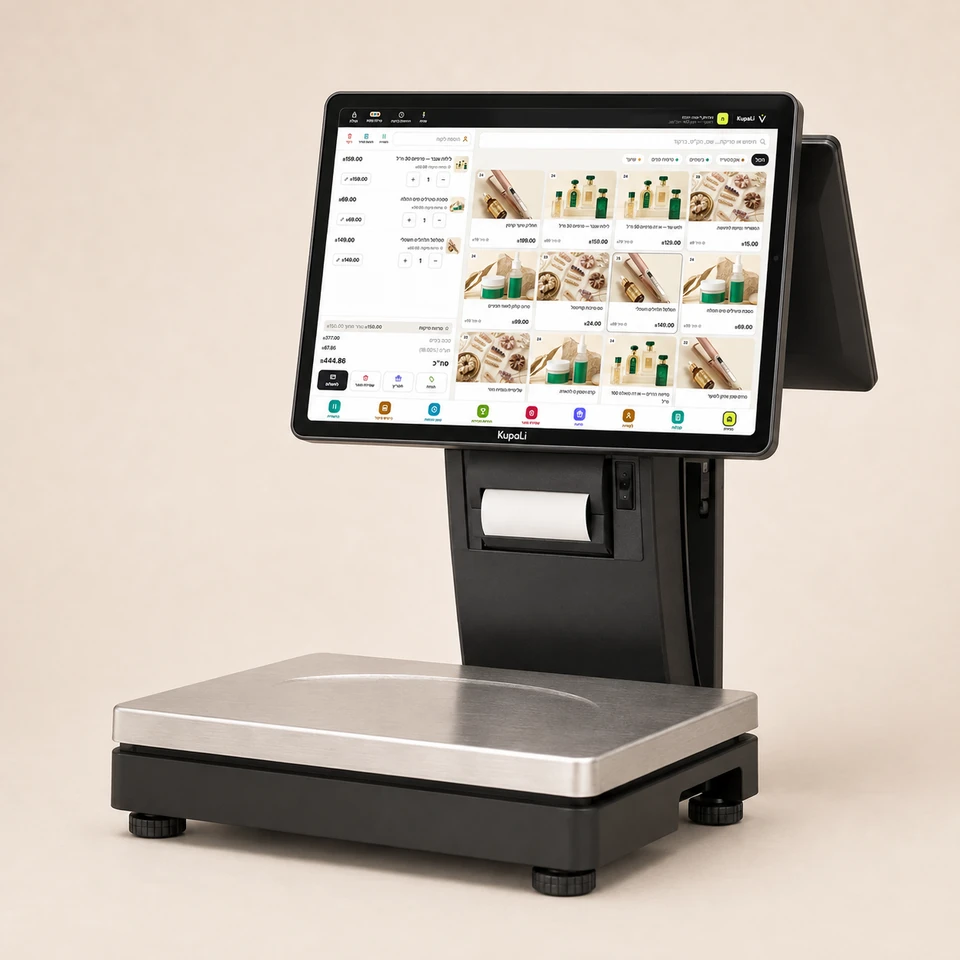
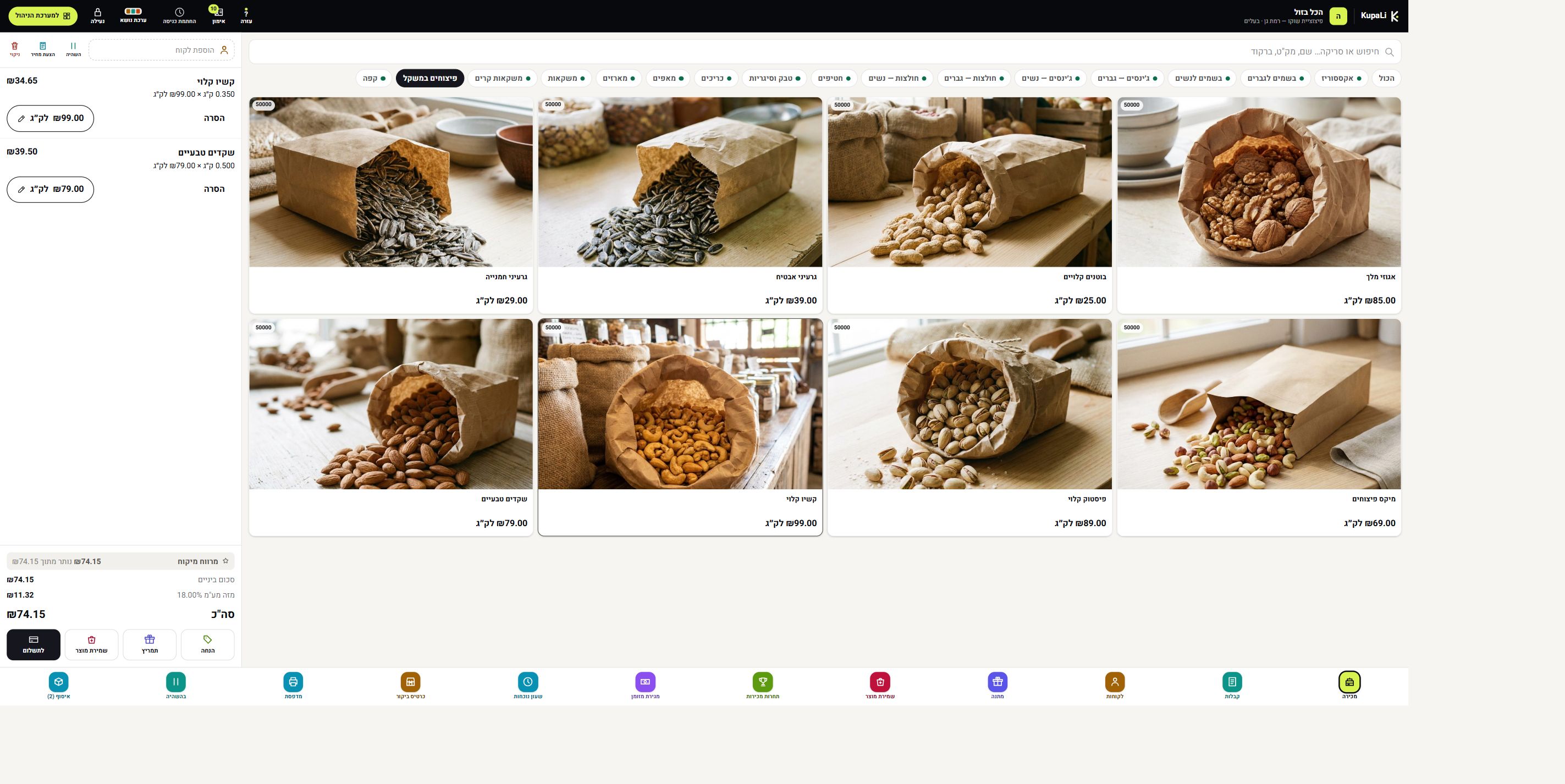
Bourekas by the kilo, a bag of nuts and bread at a fixed price. KupaLi POS with scale connects weighing to the sale, so your team can handle the purchase from the same POS.
The price is for the software only. It runs on the computer or tablet you already have.
A POS with a scale suits a business where some products sell by the kilo and some by the unit.
Pastries by weight next to breads, drinks and packs at a fixed price. Your team picks the product and the right way to sell it.
Weigh the amount the customer asked for, at the product's price per kilo. A small bag or a big order, the same process.
Weighed products next to packaged ones. Fit the weighing station to where the counter is and how customers move through.
Before you start, set which products sell by weight and the price per unit of measure.
Tell apart price per kilo and price per unit, so each item is calculated by how it is sold.
Place the empty packaging and zero the scale before adding the product. That way the packaging weight is not counted in the product weight.
Choose the product, weigh it and check the weight and amount before completing the sale.
Already have a scale? Go over the model and connection with us. We also look at the weighing surface, the maximum capacity, the customer display and the hardware around the POS.
Weighing directly at the POS and printing a barcode label for pre-weighing are different ways of working. During setup, we define what your business needs and check the right hardware.
Selling by weight is included in Smart POS: ₪119 per branch per month + VAT. 14 days free, no credit card.
Software prices and plan detailsYes. KupaLi connects to Brecknell, Mettler Toledo, CAS, DIGI and Shekel scales. All models and connection methods are on the Supported hardware page.
Yes. POS with scale suits a business that sells both products by weight and products at a price per unit. Set the right way to sell and the right price for each product.
Place empty packaging on the scale and zero it before adding the product. During setup, you practice this with your team on the scale you chose.
Check that it is suitable for commercial use and has model approval and valid verification under the requirements that apply to the device, along with weighing capacity, tray size and service. A scale used to sell by weight needs model approval and valid verification.
The cost depends on the software plan, the scale and the accessories. Software plan prices are on the pricing page; the cost of hardware and connection is detailed in a quote for your business.
For information on weighing requirements: Weights and Measures Division and Consumer Protection Authority guidelines on packaging weight.