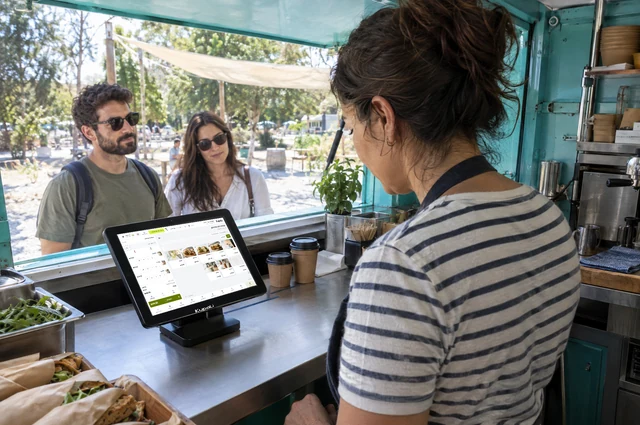
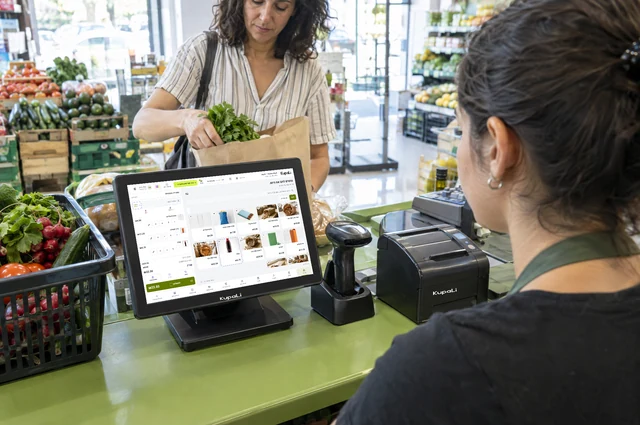
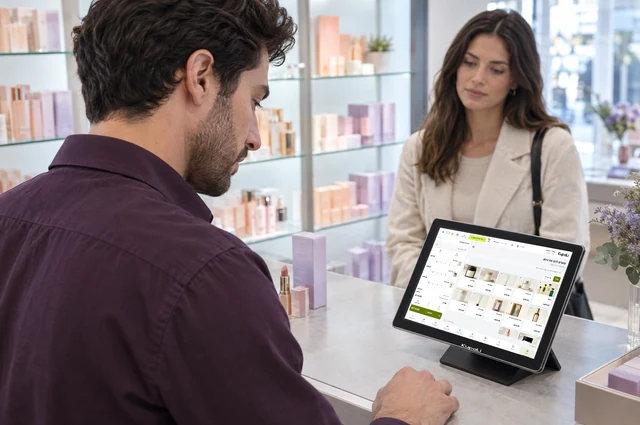
What is a POS system?
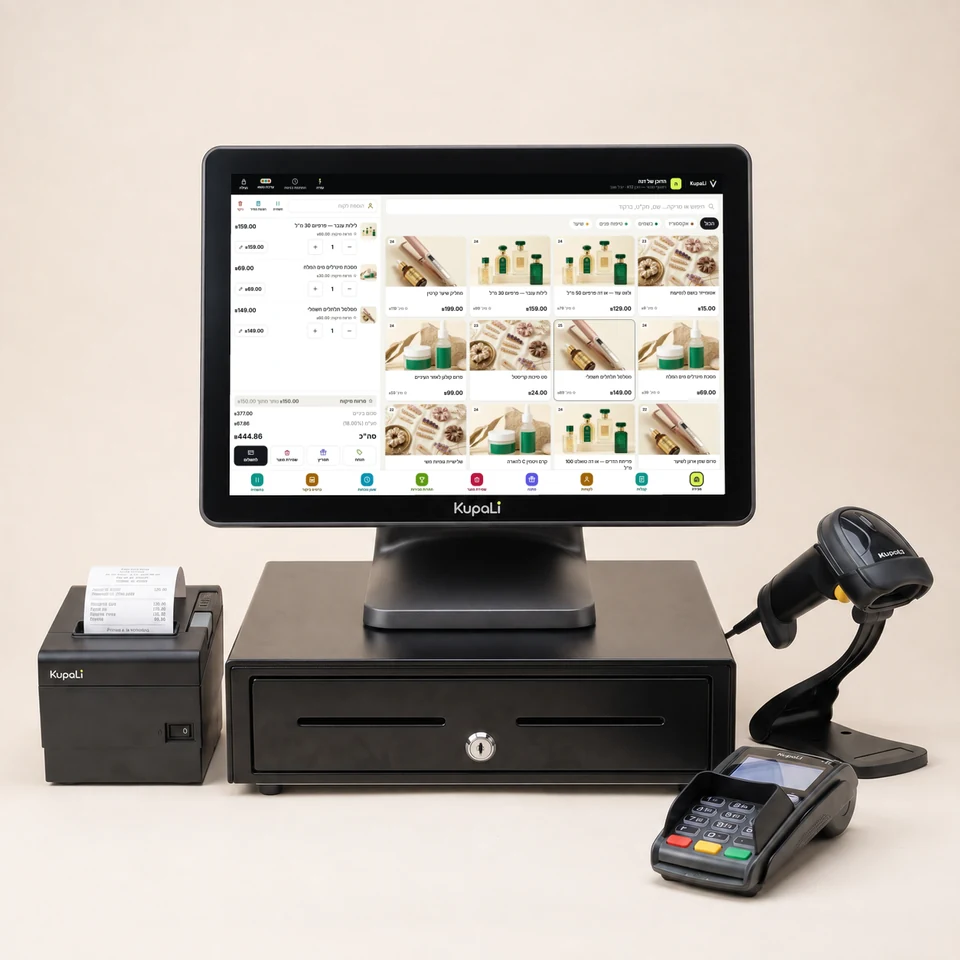
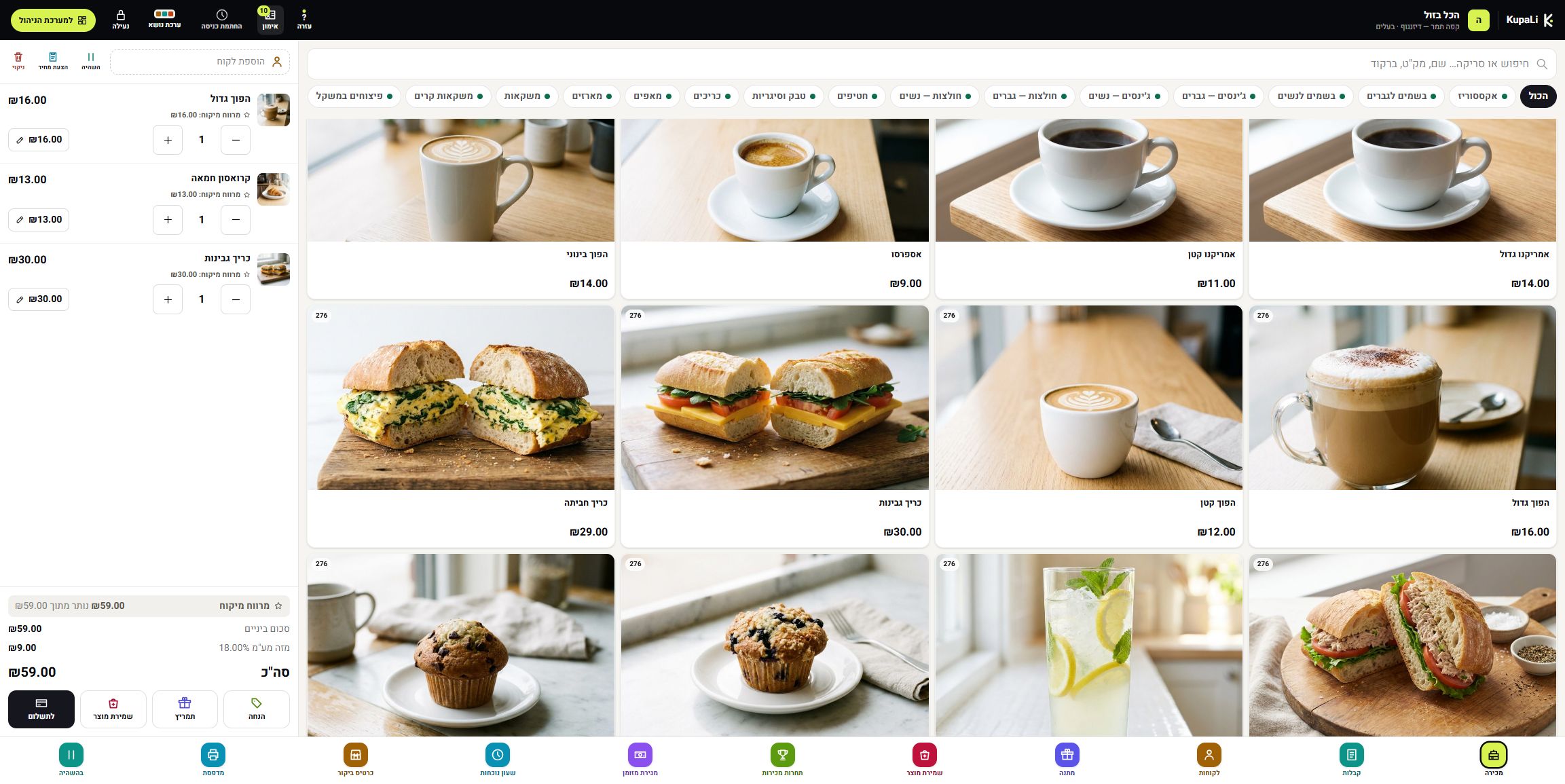
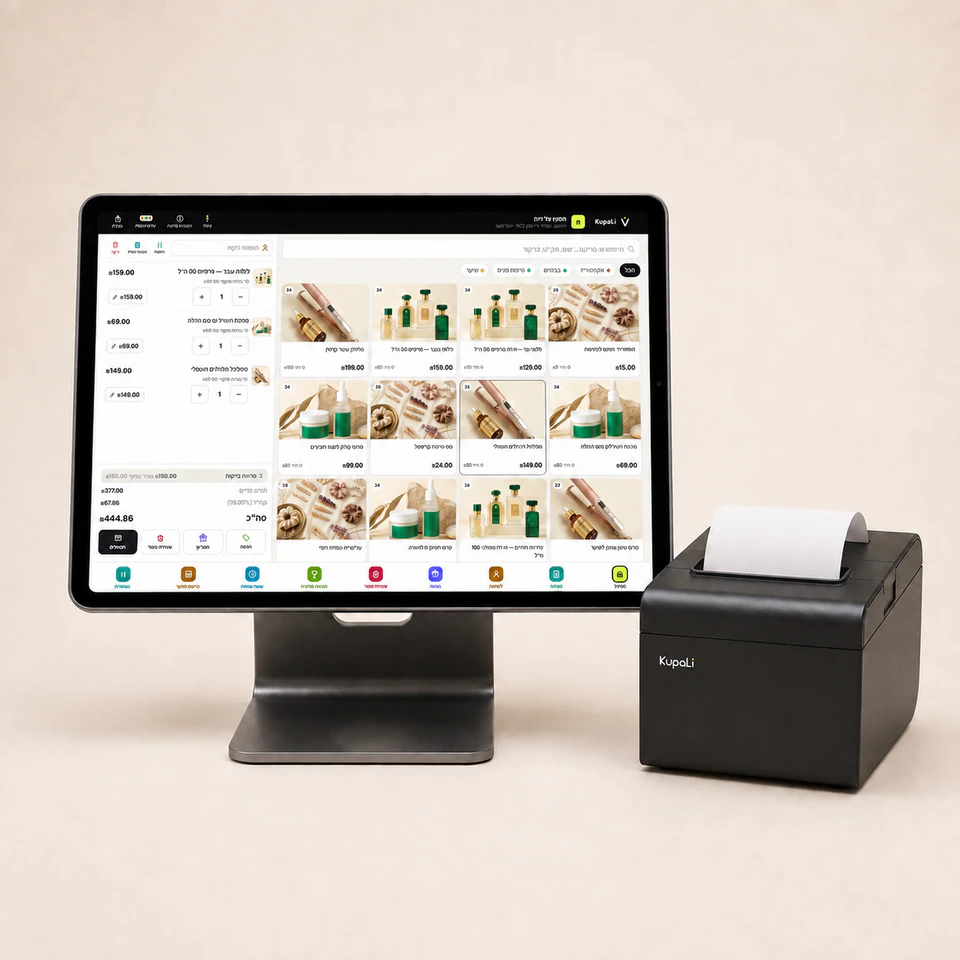
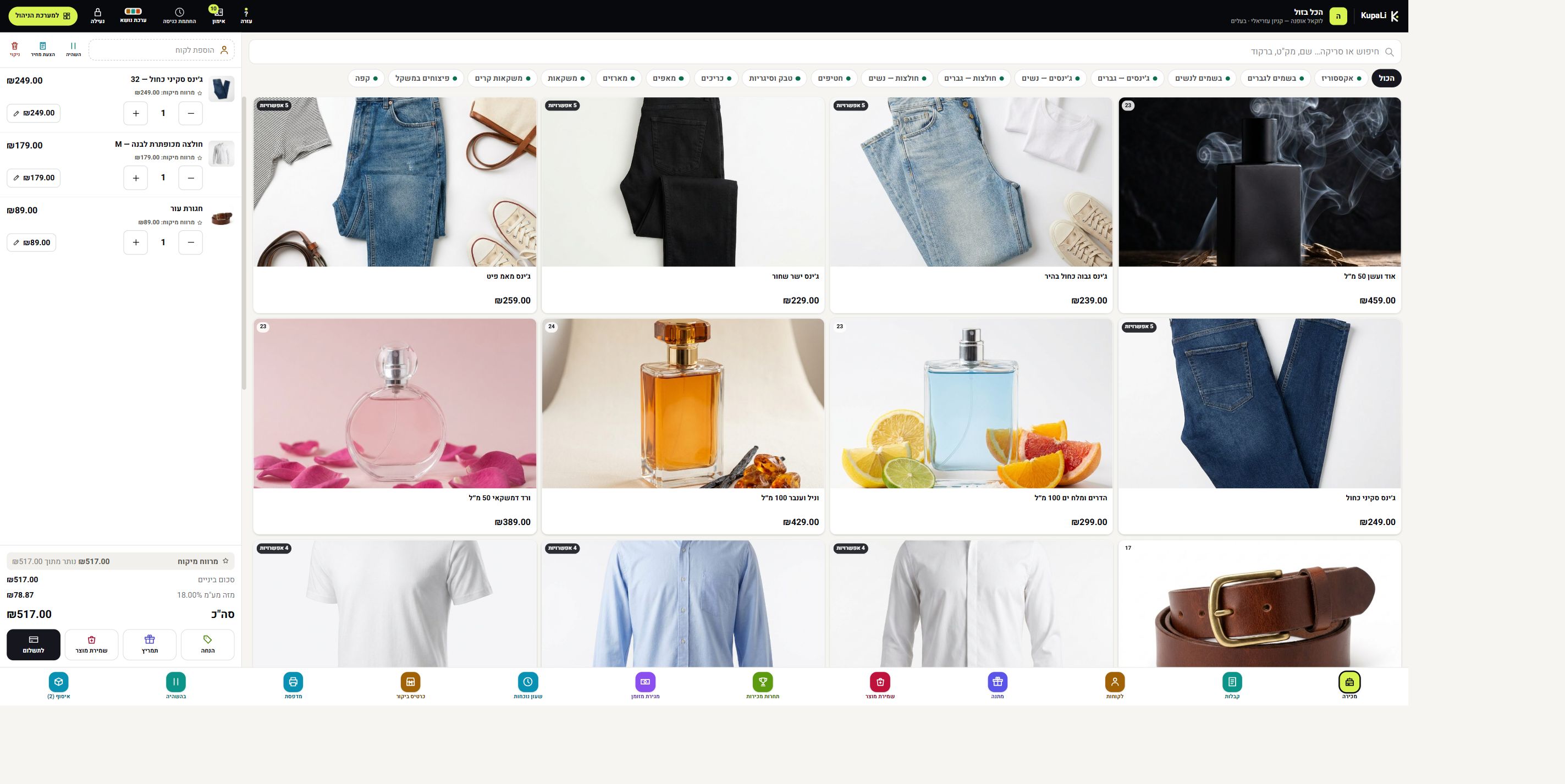
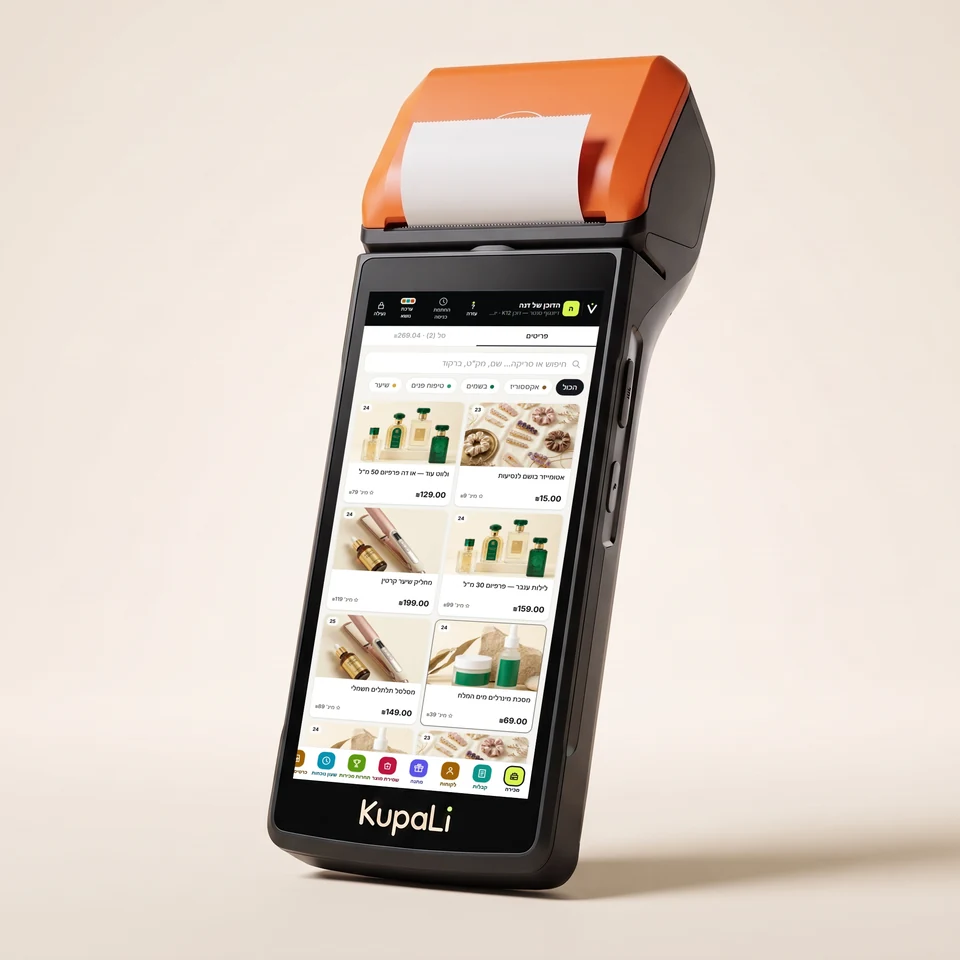
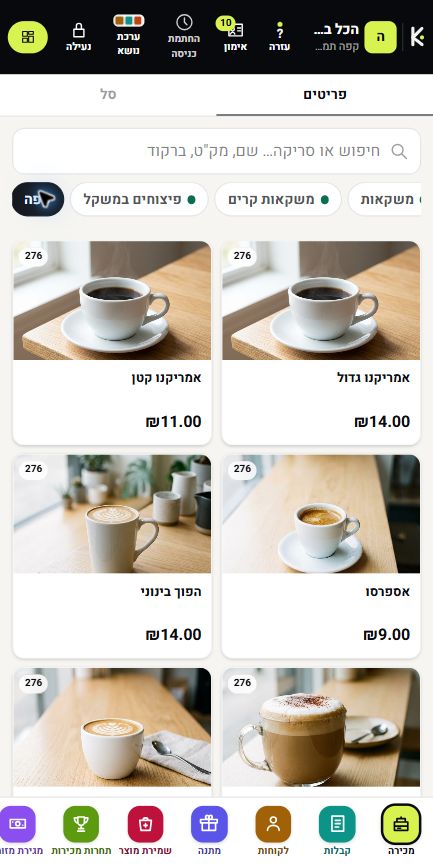
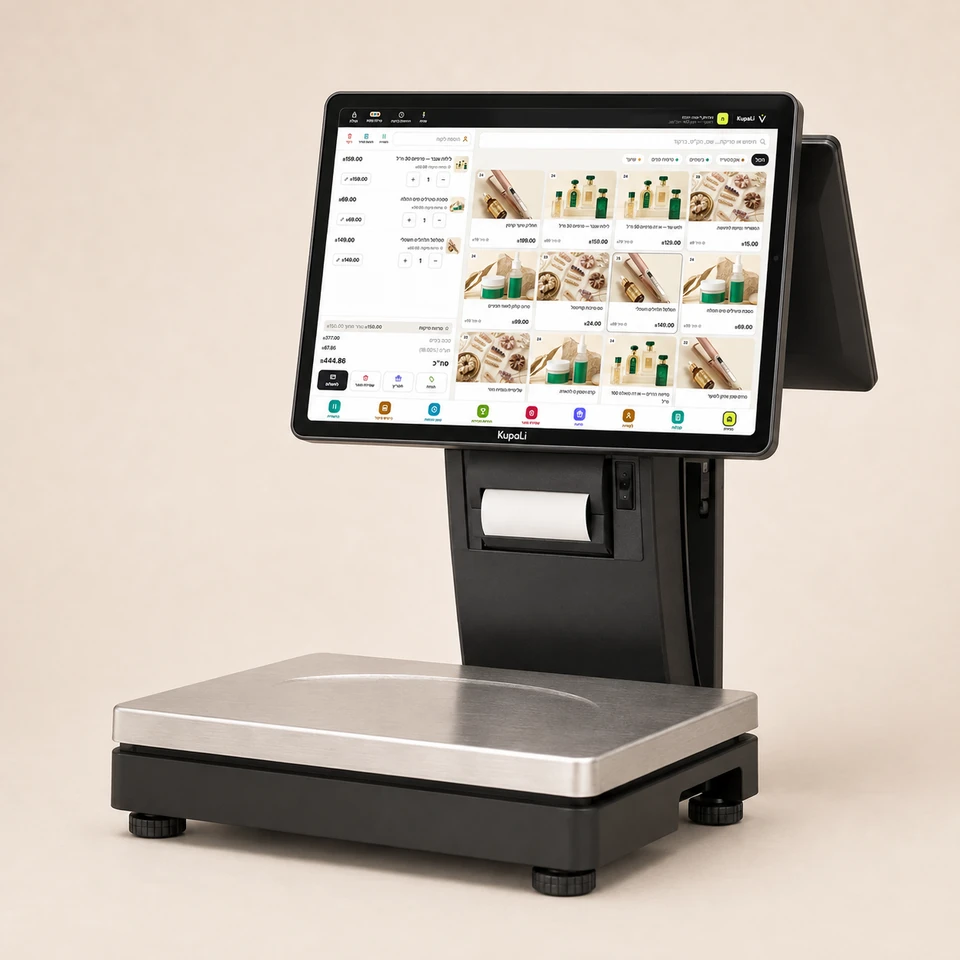
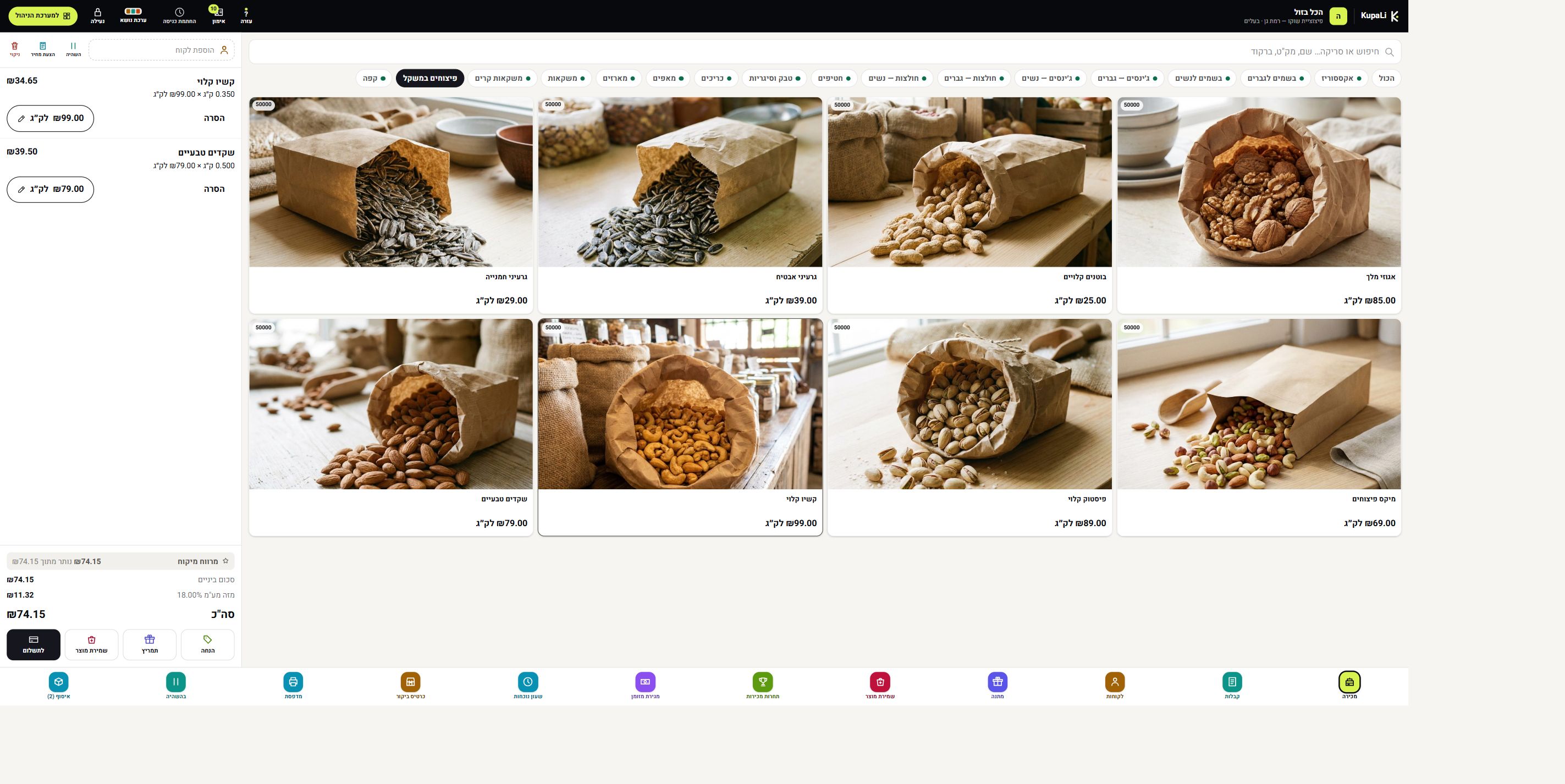
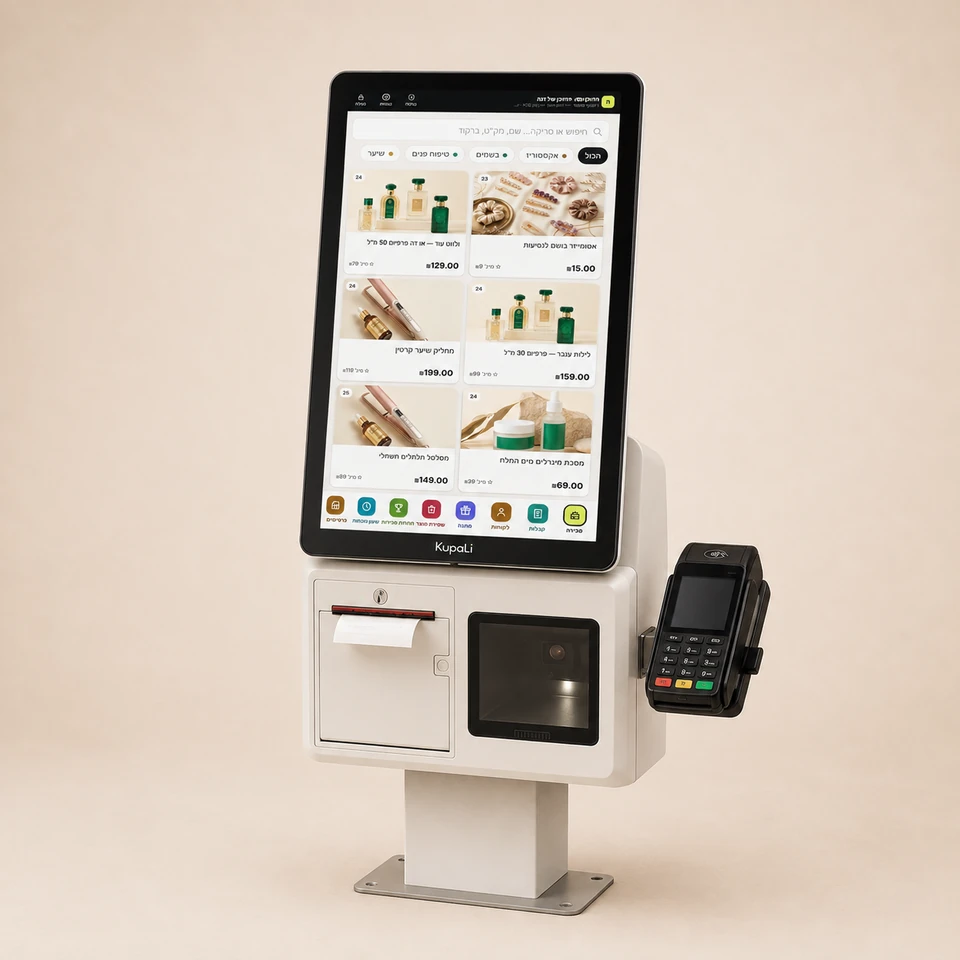
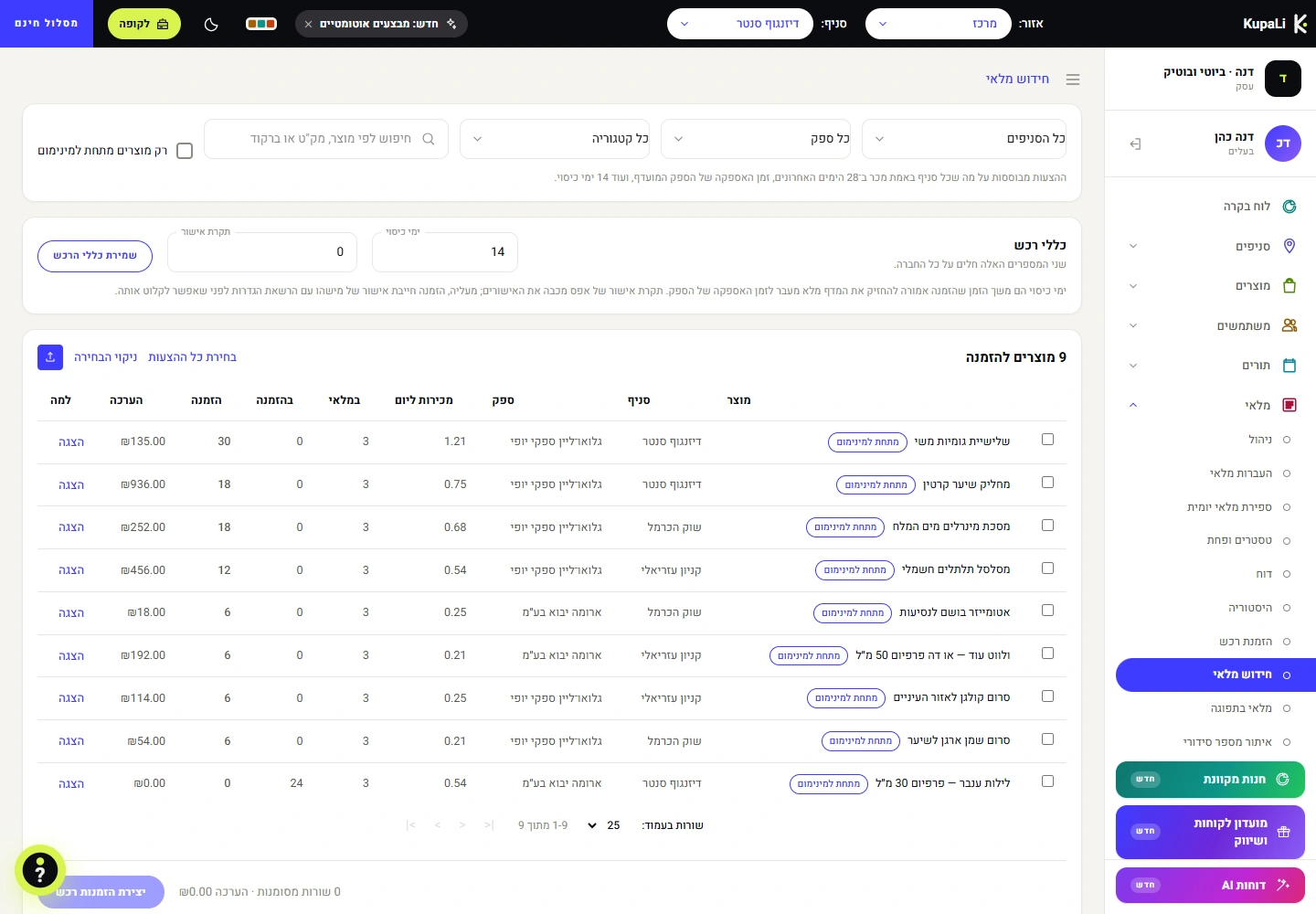
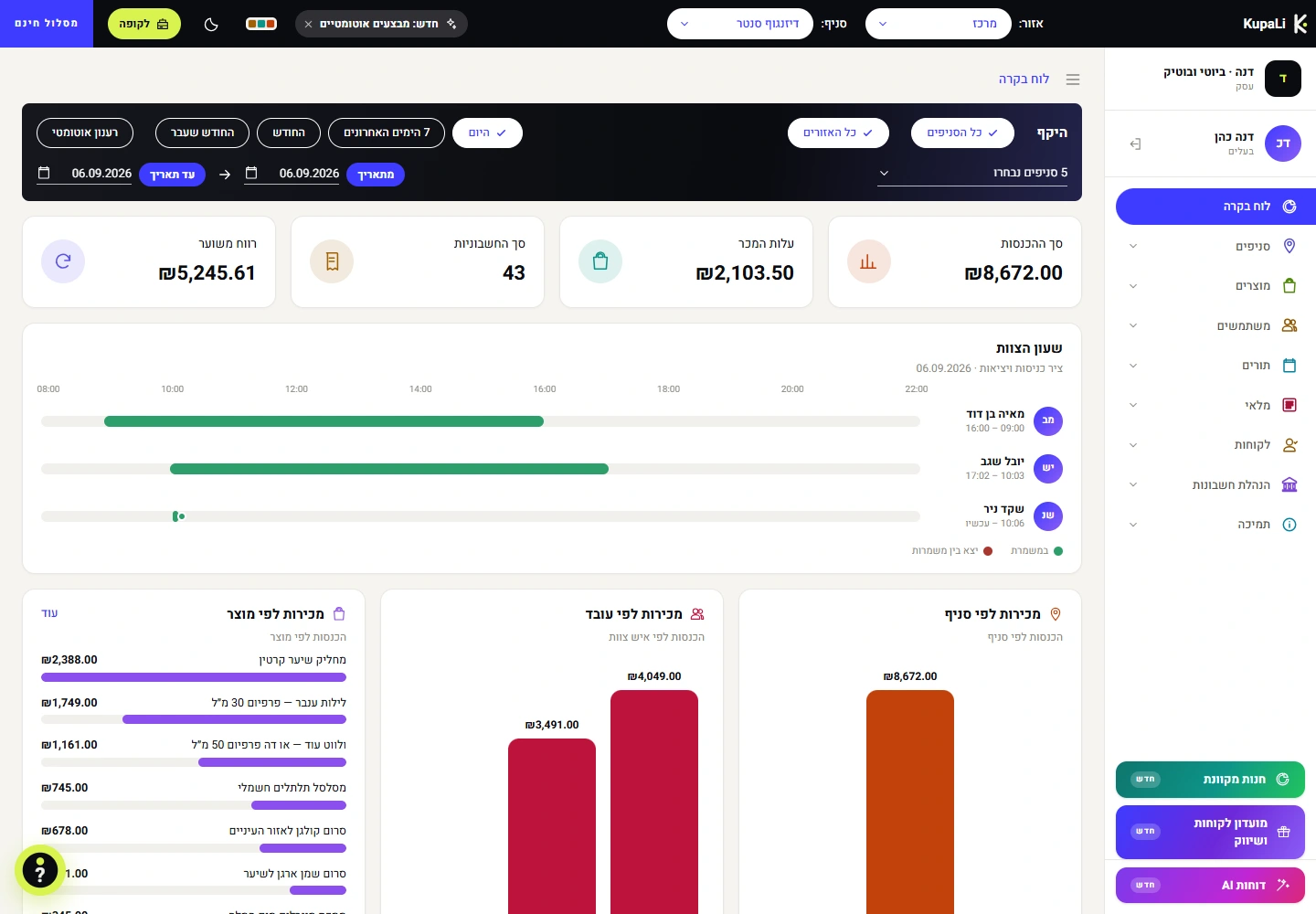
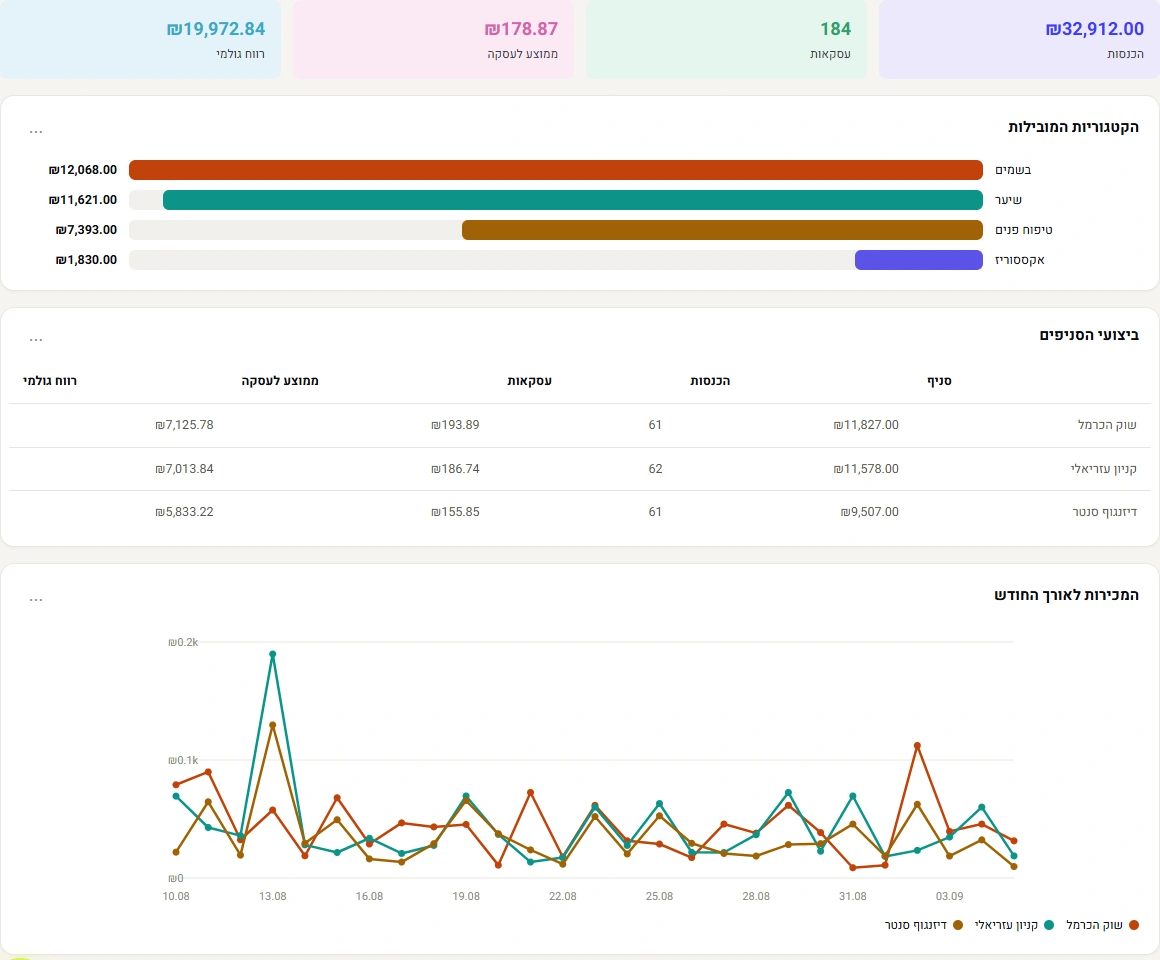
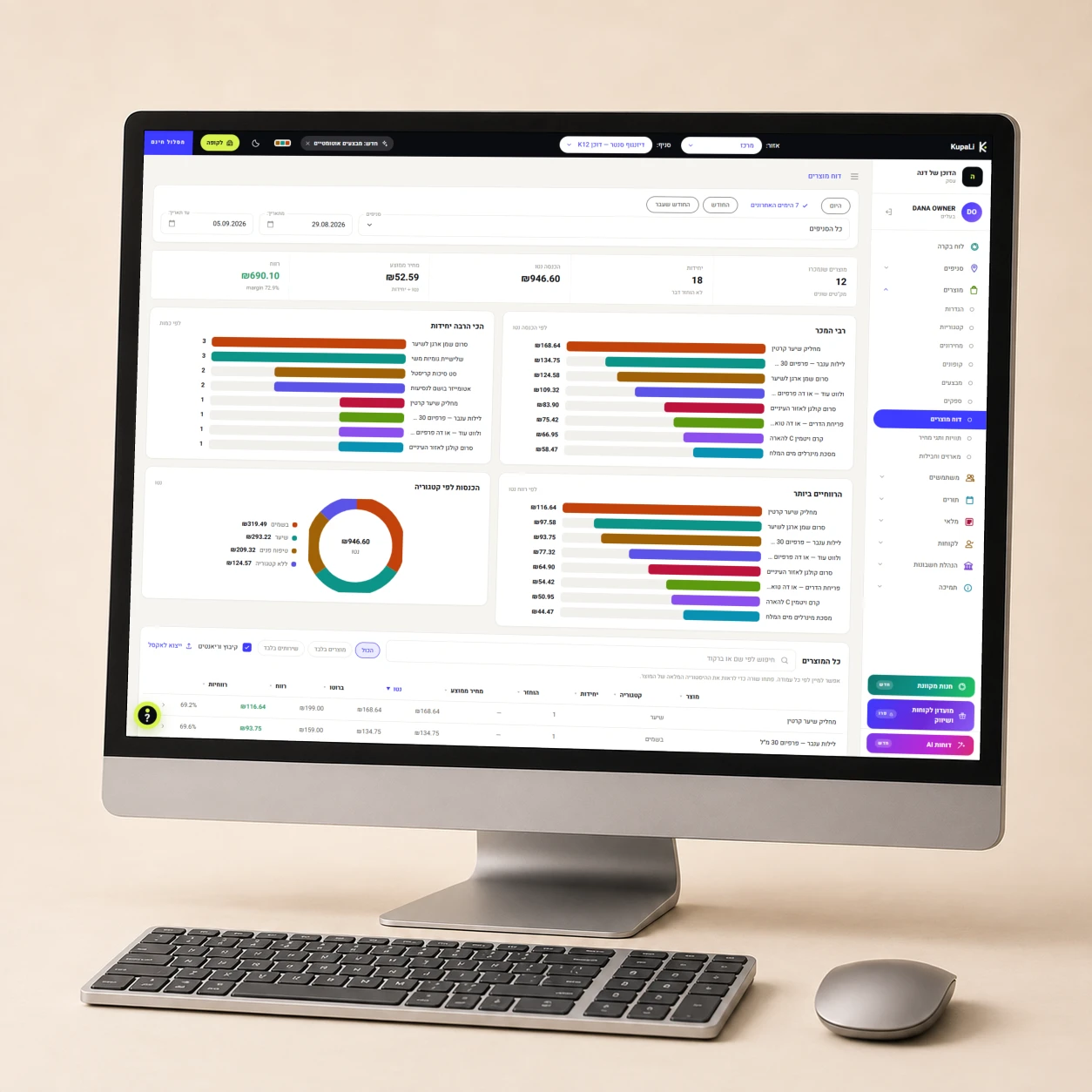
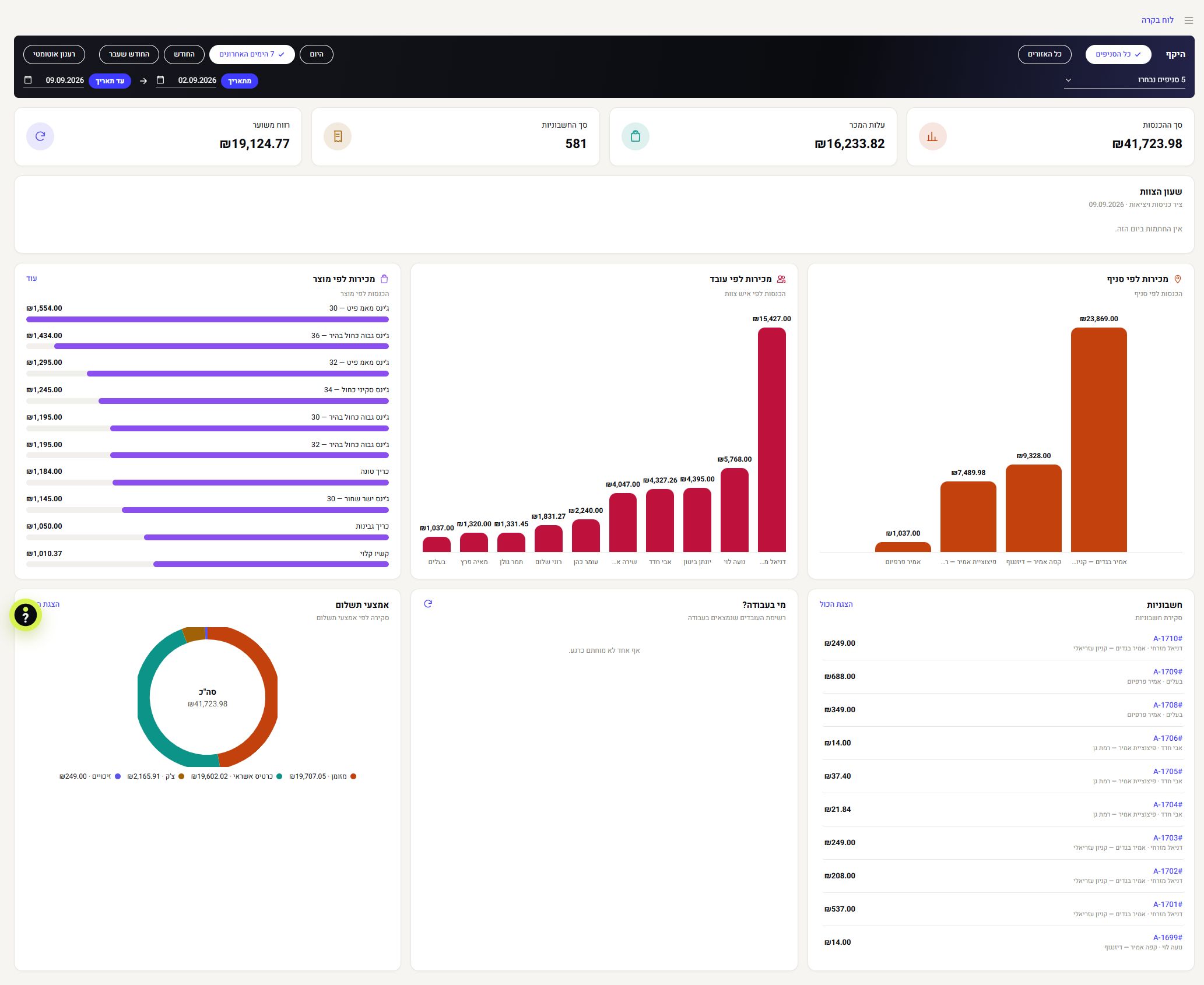
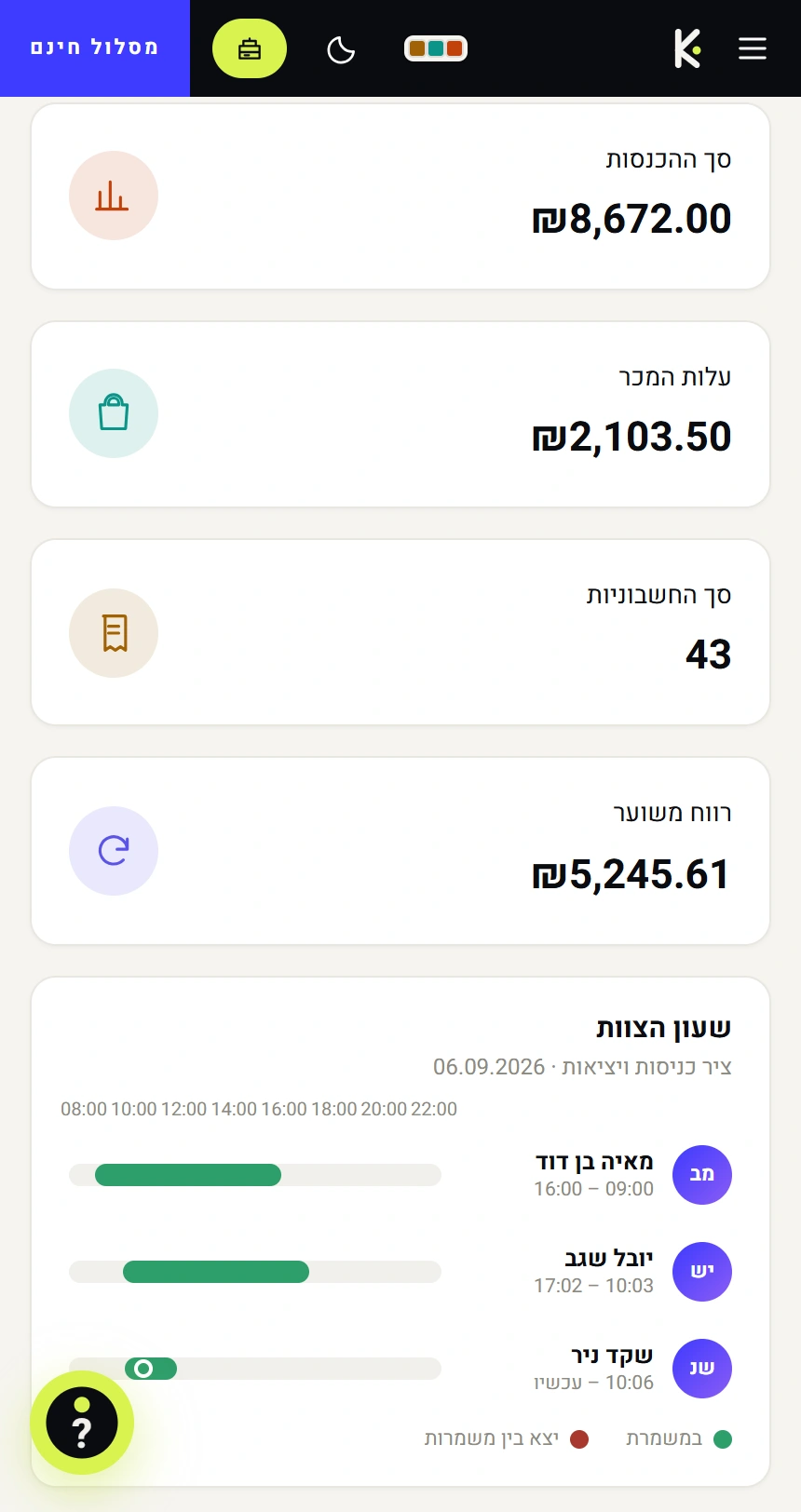
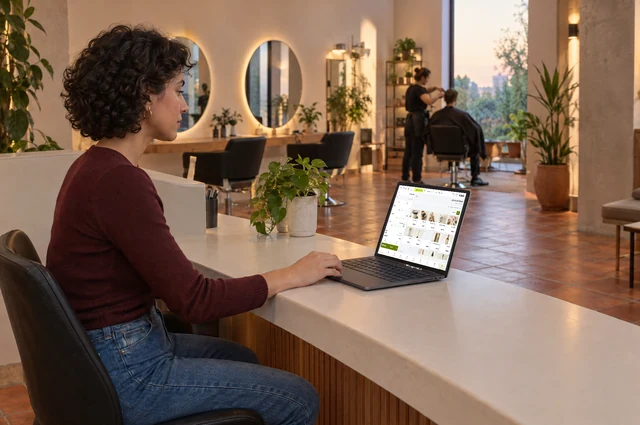
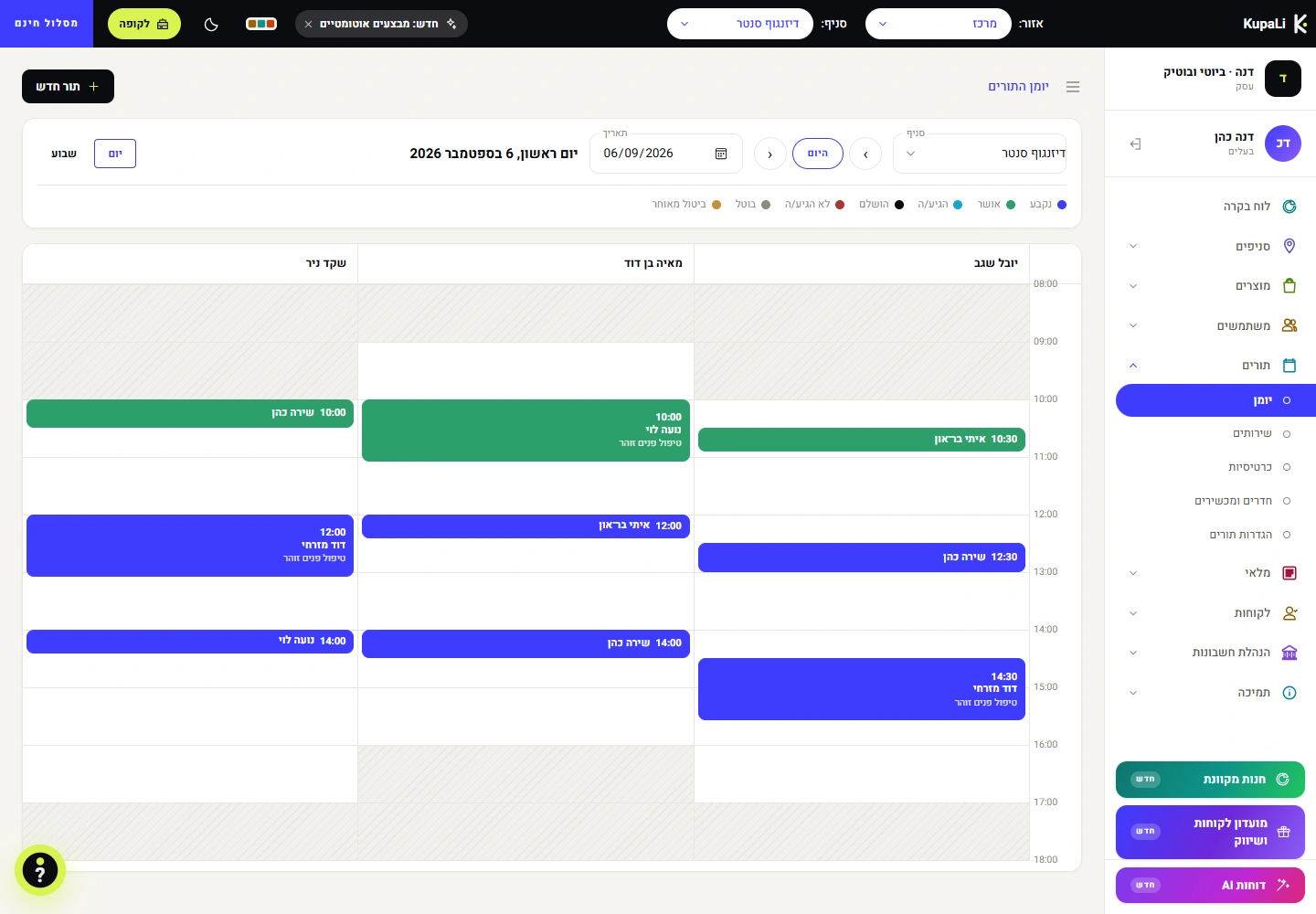
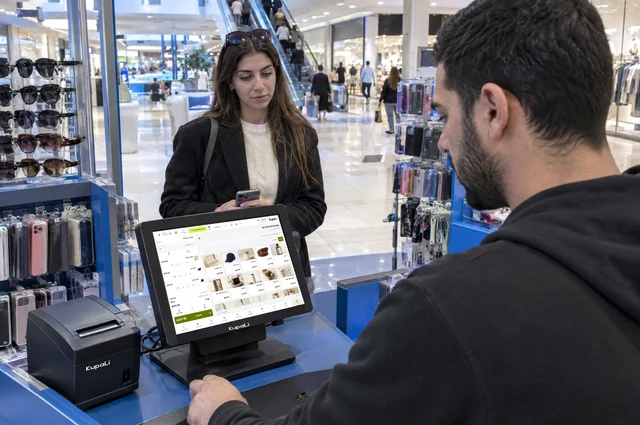
A POS system brings together sales, products, customers and business data. KupaLi runs in a browser and connects the point of sale with your back office. Choose Register for selling and basic reports, or Smart POS for advanced stock, staff and AI reports. Both plans have offline mode, so you keep selling without internet.
What's the difference between Register and Smart POS?
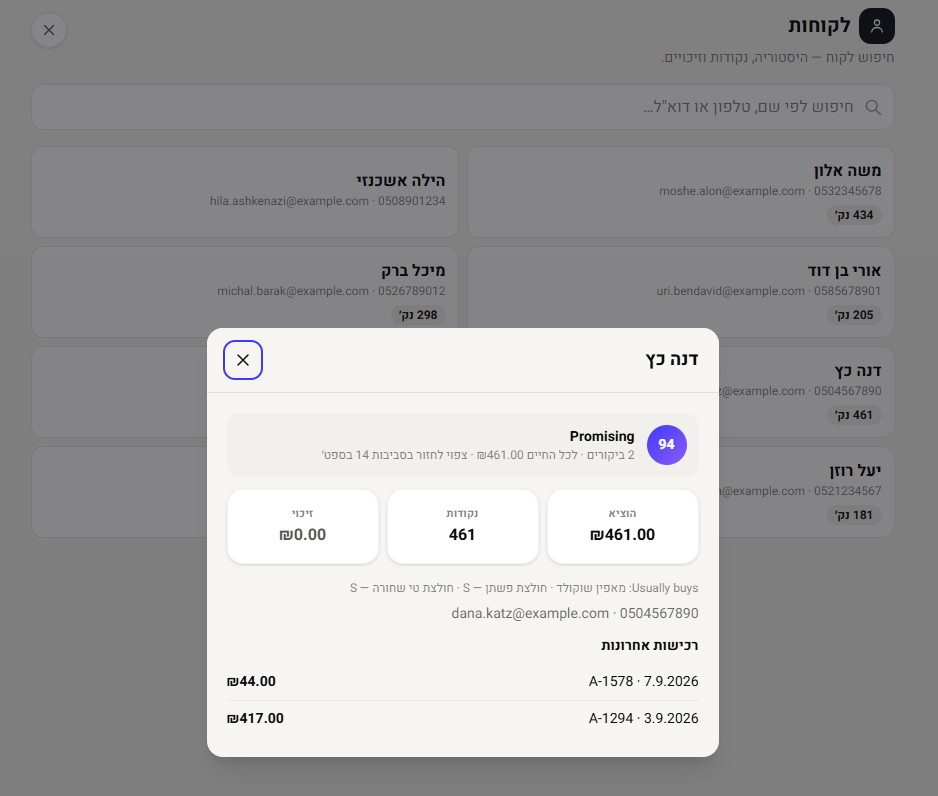
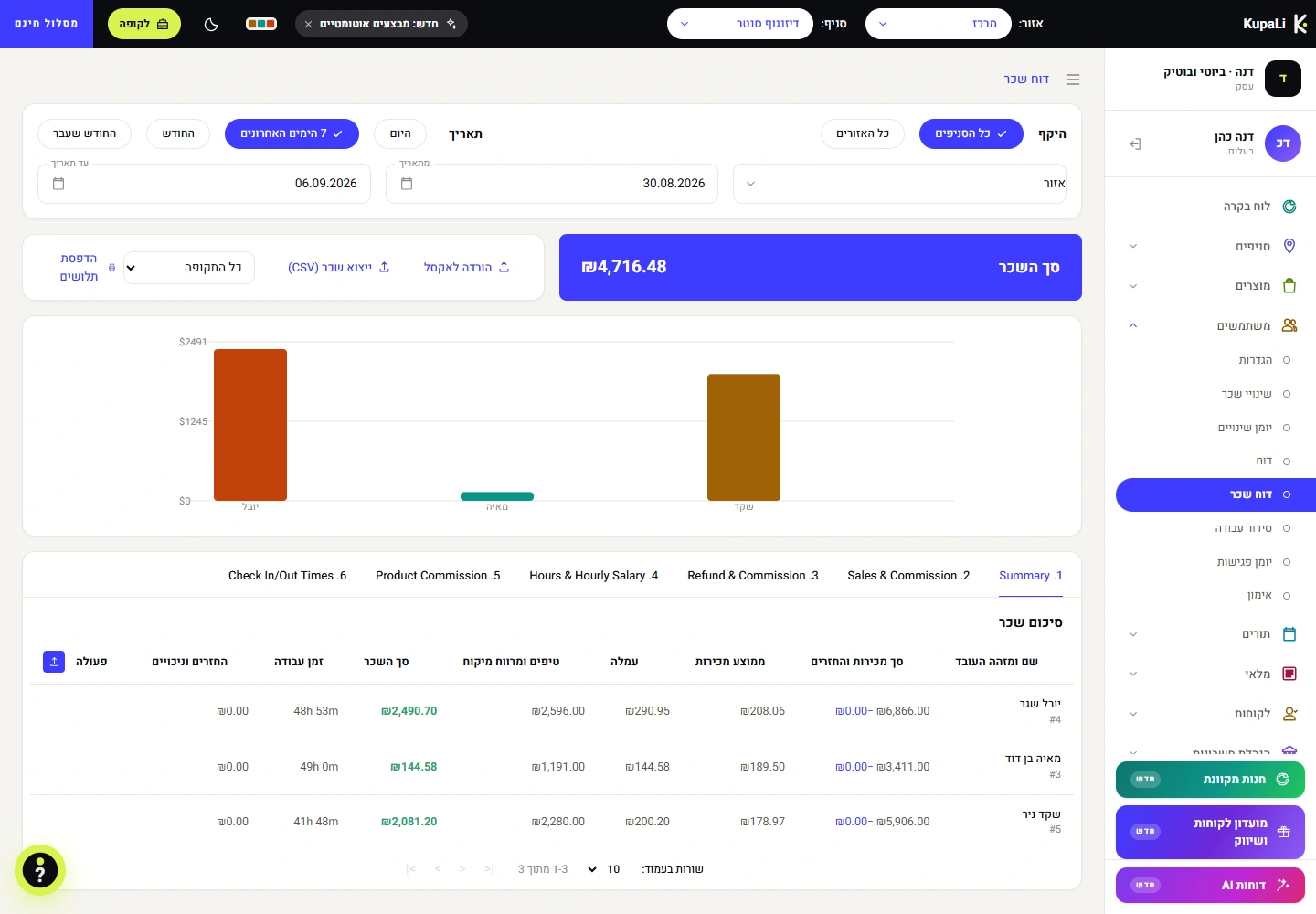
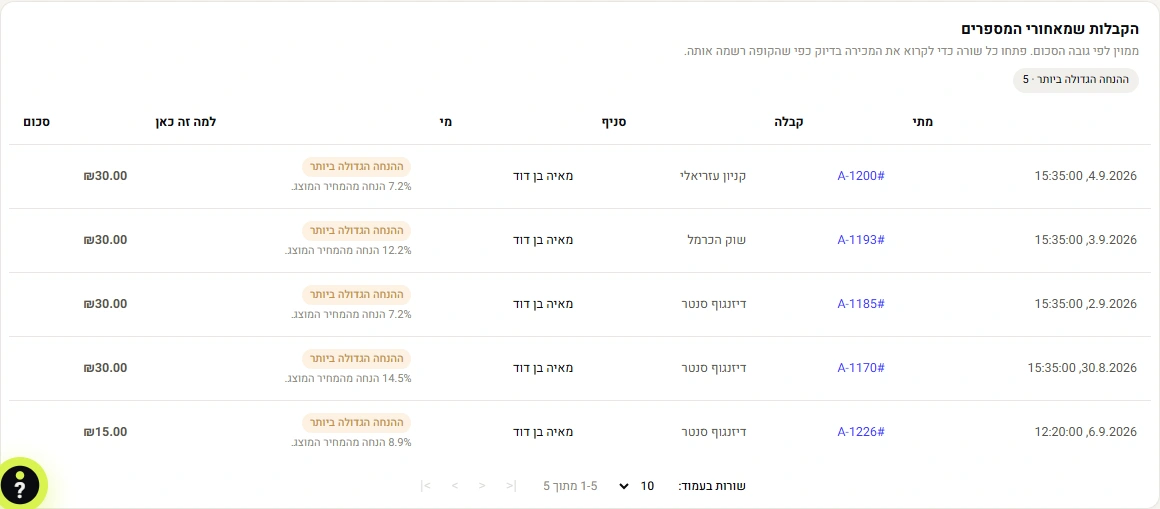
Register fits a business that needs to sell, issue receipts and see sales for any period: day, week or month. It also has offline mode, so you keep selling without internet. Smart POS adds advanced stock, staff tools, AI reports and a loyalty club. Offline mode is included in every plan, so you keep selling without internet. On both plans you can add branches (billed per branch); comparing and managing branches centrally is on Smart POS.
Do I need to switch my card processor?
No. On Register and Smart POS you keep working with your external terminal and your current card processor, until the card terminal built into the system is available (₪1,500 + VAT, coming soon). Both plans include 14 days free.
Do I need to buy a new computer or tablet?
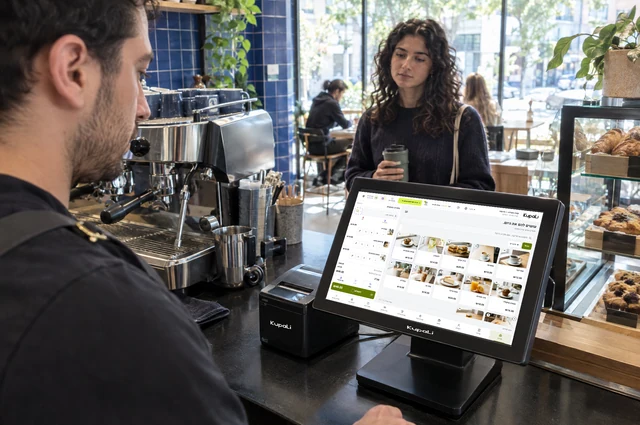
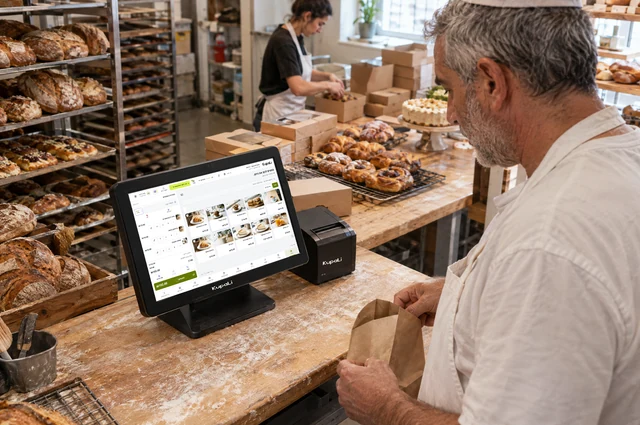
No. KupaLi works in a browser, on the computer, tablet or phone you already have. Epson and Star receipt printers, a cash drawer and any barcode scanner that works as a keyboard connect to it. The full list is on the Supported hardware page.
Can I manage the business from home?
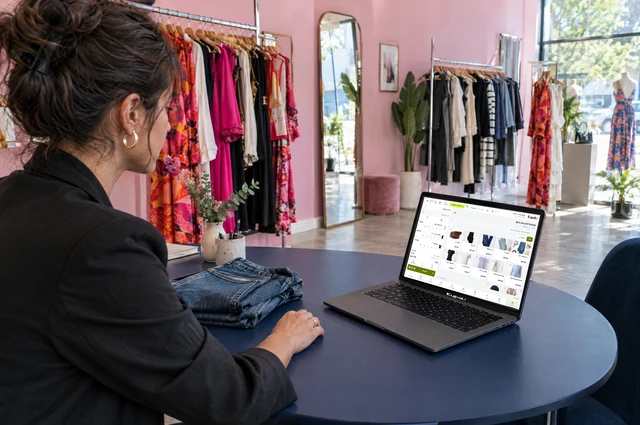
Yes. Log in to your back office in a browser and see the data and tools available on your plan and permissions. Back office access is not an extra sales station.
How do I get started?
Open an account with your business name, email and password. Confirm your email, add your mobile number and business ID, and issue your first receipt. 14 days free, no credit card.
Open an account